Solutions/Document & Workflow Automation
Every document read, every step run, nothing typed twice.
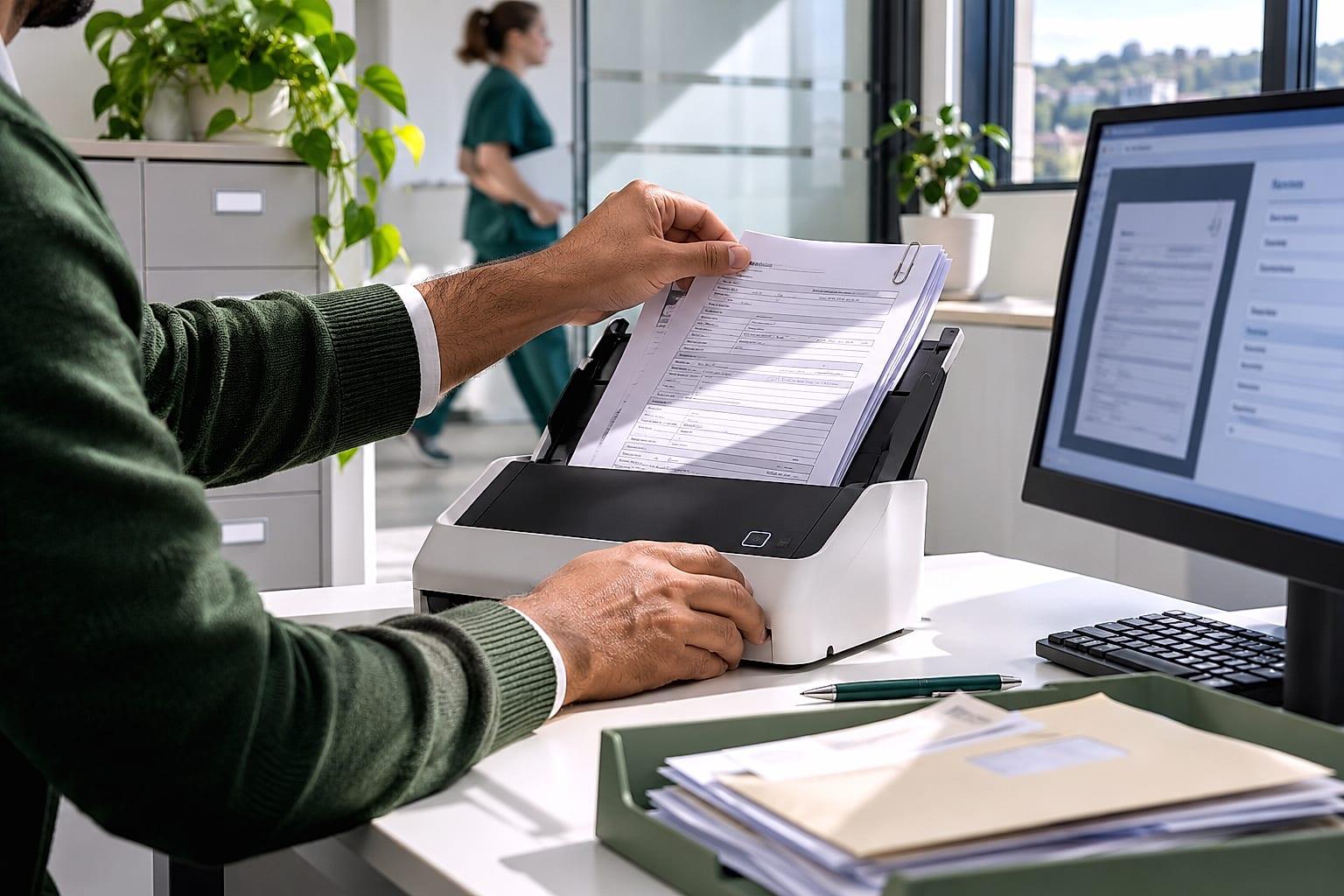
Agents read the orders, invoices, forms and contracts that arrive by email and PDF. Automations run the steps that never change, and your systems stay in step. Your team handles the exceptions.
What changes
The paperwork does itself.
Documents become data.
Emails, PDFs, scans and spreadsheets are read in whatever format they arrive, and the fields you need are pulled out and checked.
Steps run in order.
Approvals, reminders, hand-offs and filing run on rules, with each case routed to the right person.
Systems stay in step.
A change in one system is made in the others, so nothing is keyed twice and nothing drifts.
Exceptions arrive explained.
Anything that doesn't fit the rules reaches a named person with the document and the reason attached.
What we build
- Order entry from email and PDF
- Client and supplier onboarding
- Approvals with exception routing
- CRM to ERP sync
Three kinds of build, used together.
Rules where the steps never change, agents where something has to be read and understood, and connections that keep every system in step.
Workflow automations
Rules-based automation for the steps that never change, with AI only where a document or a message has to be understood.
- Approvals with exception routing
- Client and supplier onboarding
- Follow-ups and reminders
AI agents
Agents that own the repeat steps in a process. They read what comes in, check it against your rules, act in your systems and hand the exceptions to a person.
- Order entry from email and PDF
- Lead response and qualification
- Support triage and drafted replies
Systems integration
Your CRM, ERP, accounting and project tools kept in step, so a change in one is a change in all of them and nothing is typed twice.
- CRM to ERP customer sync
- Invoice status back to the CRM
- One record across every tool
How Clearmatic OS builds it.
Every system rests on the same five layers. Here is what each one means for this work.
- 05
People
Your team approves what matters and resolves the documents that don't fit.
- 04
Agents
Agents read and check the documents; automations run the fixed steps between systems.
- 03
Context and rules
Your validation rules, approval limits and the fields each system needs.
- 02
Process map
Each workflow step by step, from the document arriving to the record being filed.
- 01
Your systems
Your ERP, CRM, accounting, inboxes, shared drives and document stores.
- How Clearmatic OS keeps every agent governed
Where it runs.
The same system serves the teams that share the work, from the same map and the same rules.
Guides for this work.
All insights Guide
How do you stop re-keying data between your CRM, ERP and other systems?
Why the same customer gets typed into three systems, what it costs, and how to connect them so a change in one place shows up in the others.
 Guide
How do you process customer orders that arrive by email and PDF?
How to turn purchase orders that arrive as email attachments into orders in your ERP without re-keying, and what happens when the system isn't sure.
Questions
Questions we hear first.
What's the difference between an agent and an automation?
An automation follows fixed steps. An agent can read a document or a message, work out what it is and decide which steps apply, within rules you set. Most systems we build use both.
Can it read scanned and handwritten documents?
Most scans, yes, and some handwriting. We test it on your own documents before launch, and anything it can't read with confidence goes to a person.
Do we need to replace any systems?
No. We connect to the systems you run and work within their rules. Where something can't be connected, we tell you before we propose an approach.
Make your business AI-native.
Start with a short call about where your team's hours go and what you want to change.